Death Knights of Krynn
Developed by:
Strategic Simulations, Inc. (SSI)
Founded in 1979, the company managed to produce over 100 titles mostly war strategy or tactical games. Some of the most famous are Panzer General and all the General series, Eye of The Beholder series, and many AD&D games like Pool of Radiance or Champions of Krynn.
Multiplayer:
No Multiplayer
Platform:
Rated:
5 x
Current rating:
Uploaded by:
Anonymous
Your rating:
Not rated -
login
- and rate
Description
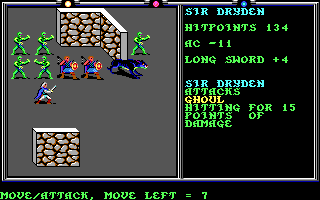
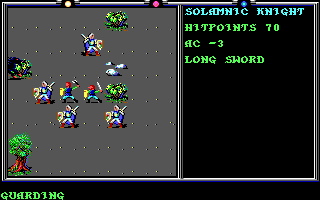
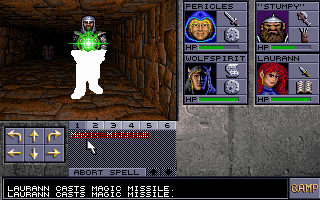
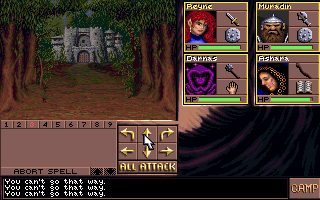
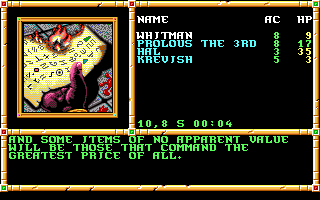
Death Knights of Krynn is the third part in the series of the game Advanced Dragons and Dungeons. The classic PC game was created by Strategic Simulations Inc in the year 1991. The game consists of a series of events. The game is full of exciting adventures and the challenging quests are thrilling.
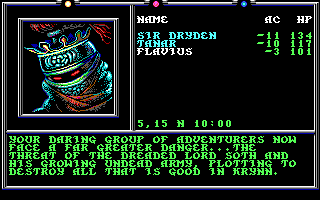
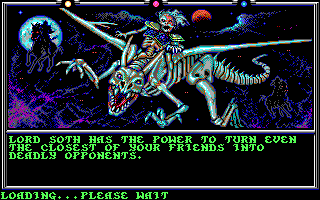
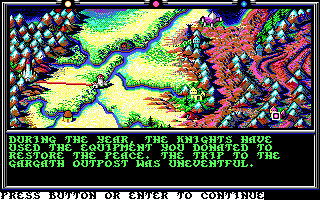
In the game, Death Knights of Krynn, the base of the Myrtani group,which is known as the Gargath outpost has been invaded by some army. One of the team members of the party, Sir Karl, has resurrected from his grave as a soldier who is not dead. This event took place due to the power of the demonic Lord Soth who is resurrecting the mighty soldiers from their graves. The demonic Lord is believed to be making his undead army from the resurrected warriors. The main aim of the Lord is to capture the body of the brave warrior Sturm Bright blade. The demonic army of the Lord is causing a threat to the people. Therefore, the party of the player needs to combat the army, defeat the demonic Lord, and revive peace in the land.
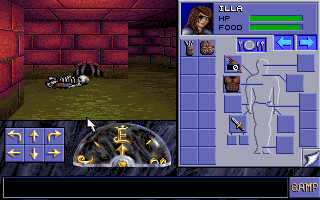
In the beginning, the player is required to make the characters in order to form a party. Some of the accessible races are dwarves, elfins, humans and half elfins. The races can play the character of a warrior, ranger, soldier, robber, or a magician.
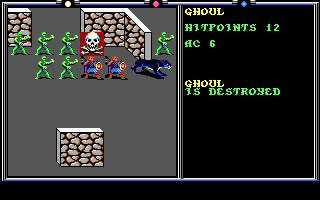
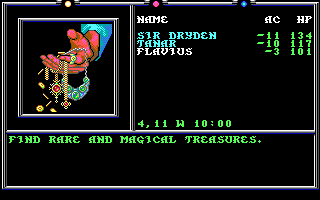
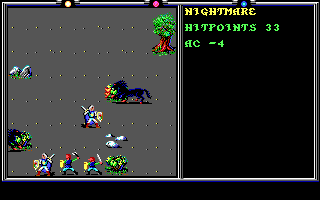
During the game, the player needs to travel long distances across several cities and destroy numerous huge creatures. One of the constant threats to the party is the dangerous Dread Wolf. There are several quests in the game, which can make the player earn some extra points and some additional jewels.
Reviews
love the old rpg's. reminds me of my youth, sitting inside on rainy days gaming out. just finally get the hang of using the manuals to answer the in game questions. and wouldn't you know it all the games I'm loving "FreeGameEmpire.com" all of a sudden is not free. SURPRISE SURPRISE!!!!! just like everything else that advertises "free this or free that". would have given the highest reviews till free became $10-$20 a game
This game is not Abandonware any more
This game is not Freeware, Shareware or Abandonware
What does it mean ? We allow any archive to be uplodaded to our site, however if we find out that there is still active holder of copyright and/or this game is being actively sold we promtly delete such archive.
Thanks to interest in old games some game development companies (or what was left of them) sold rights to old titles to companies like Steam or GOG,
which are porting old games to new platforms and selling them again. That's why - for this game - you won't find link to download anymore and we'll block any attemt to re-upload this game.
You can filter out non-downloadable games by selecting "Only free and downloadable games" in top navigation bar.
Via buy button you can buy this game from one such seller. This button is provided solely for comfort of people interested in this game and we get no financial or other benefit from doing so. (Also we can't be hold responsible for any problems you'll encounter when buying or installing game via this link - please ask seller support if you encounter any compatibility problem).



Comments